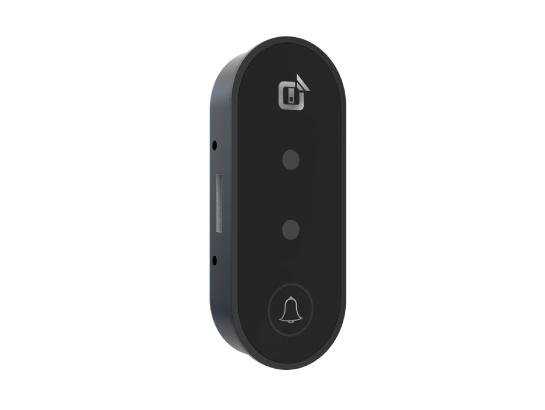
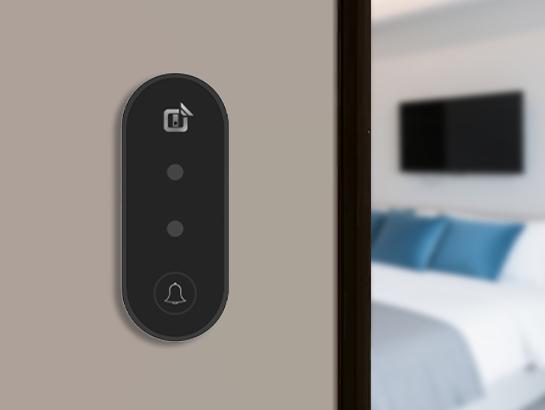
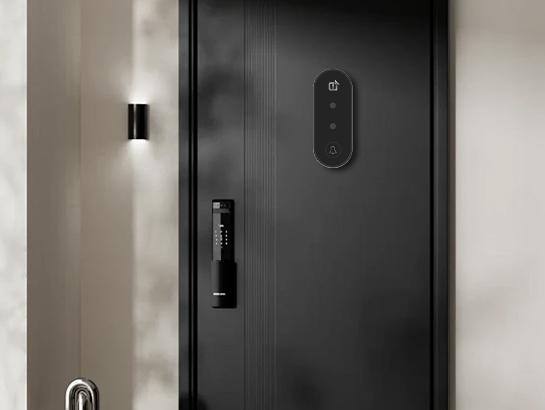
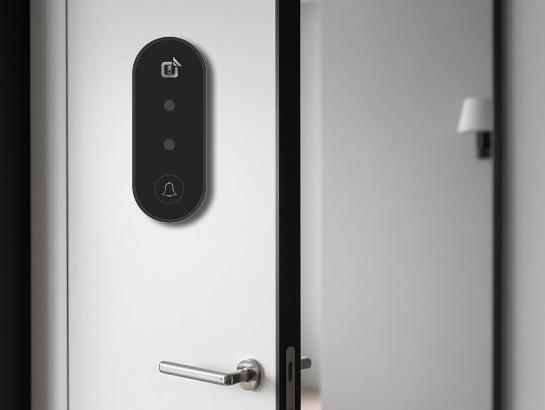
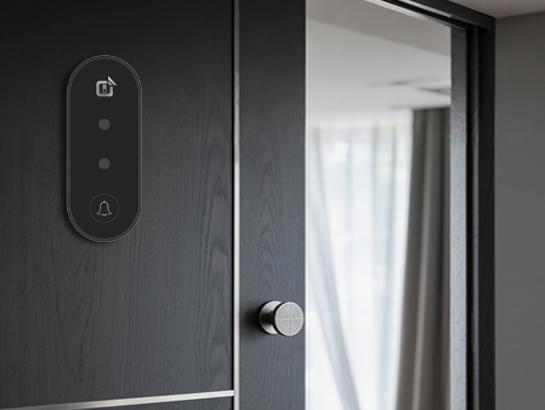
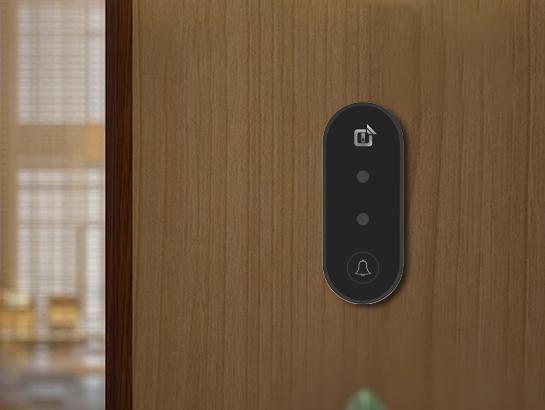
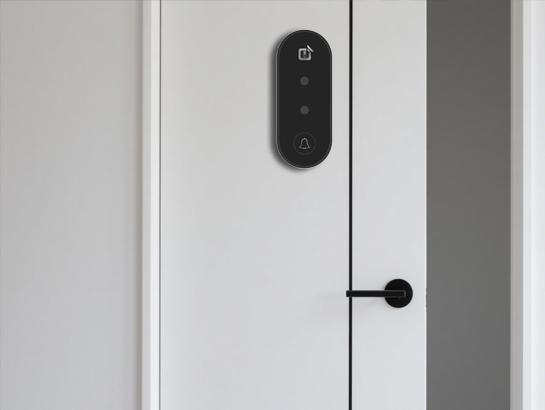
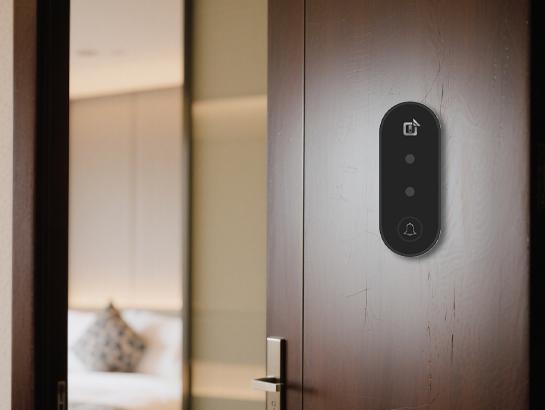
Yoswit Smart Video Doorbell
Product Code:
YO172
Features
- High-Definition Camera for Precise Facial Detection
- Expansive Field of View Eliminates Blind Spots
- Exceptional Night Vision for Low-Light Clarity
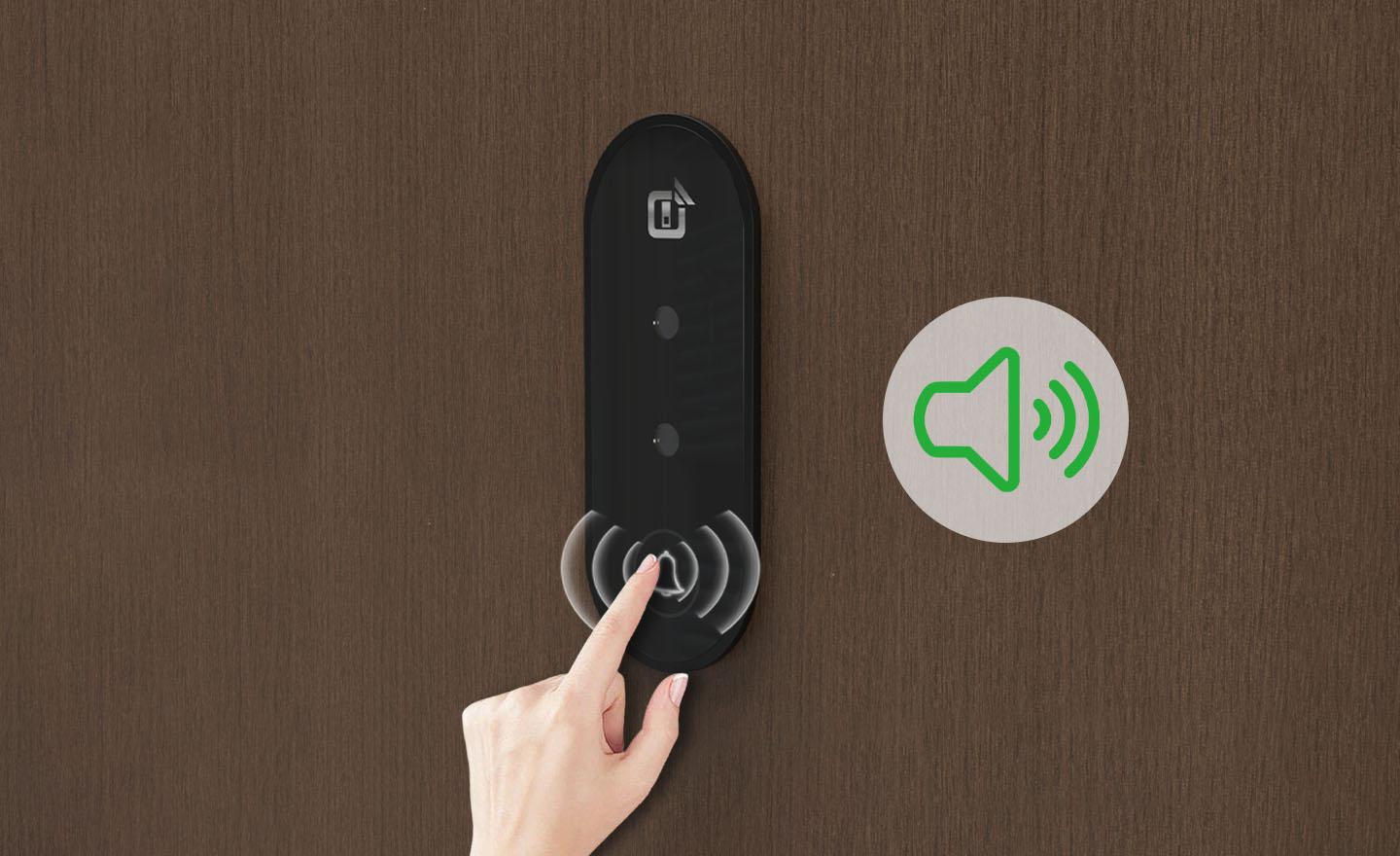
- Customizable Volume to Suit Your Preferences
- Wide Compatibility with Access Control Systems

Features
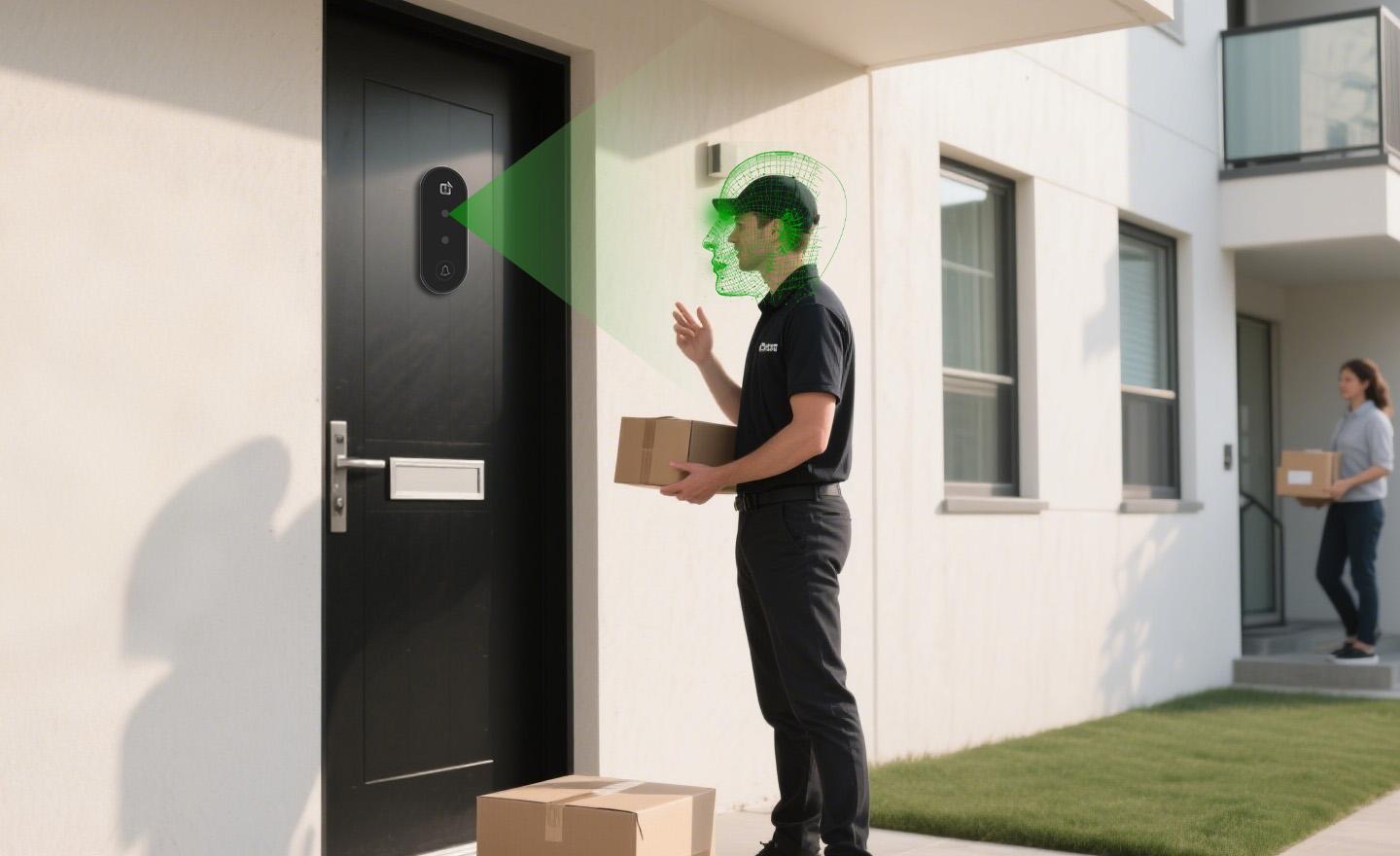
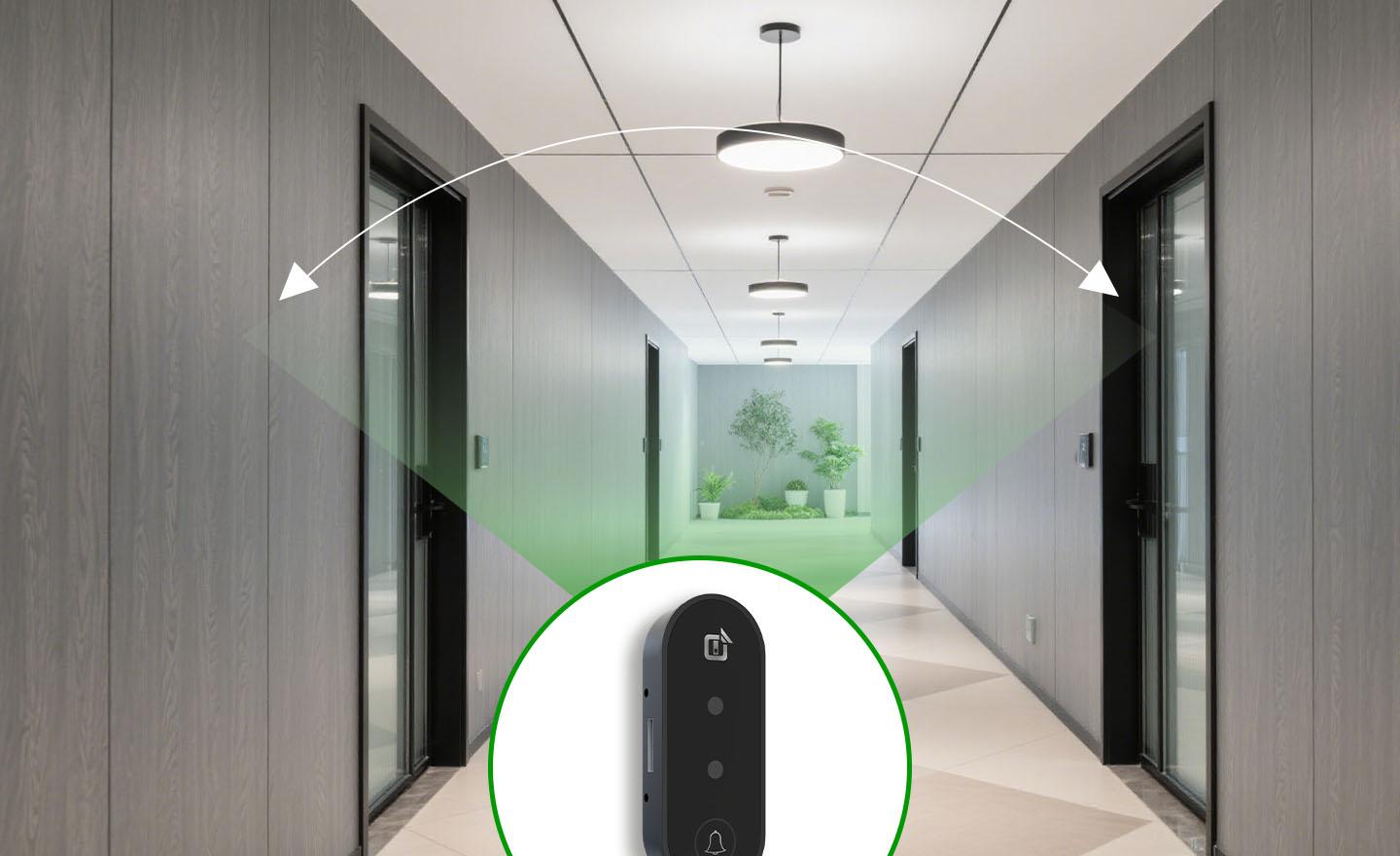
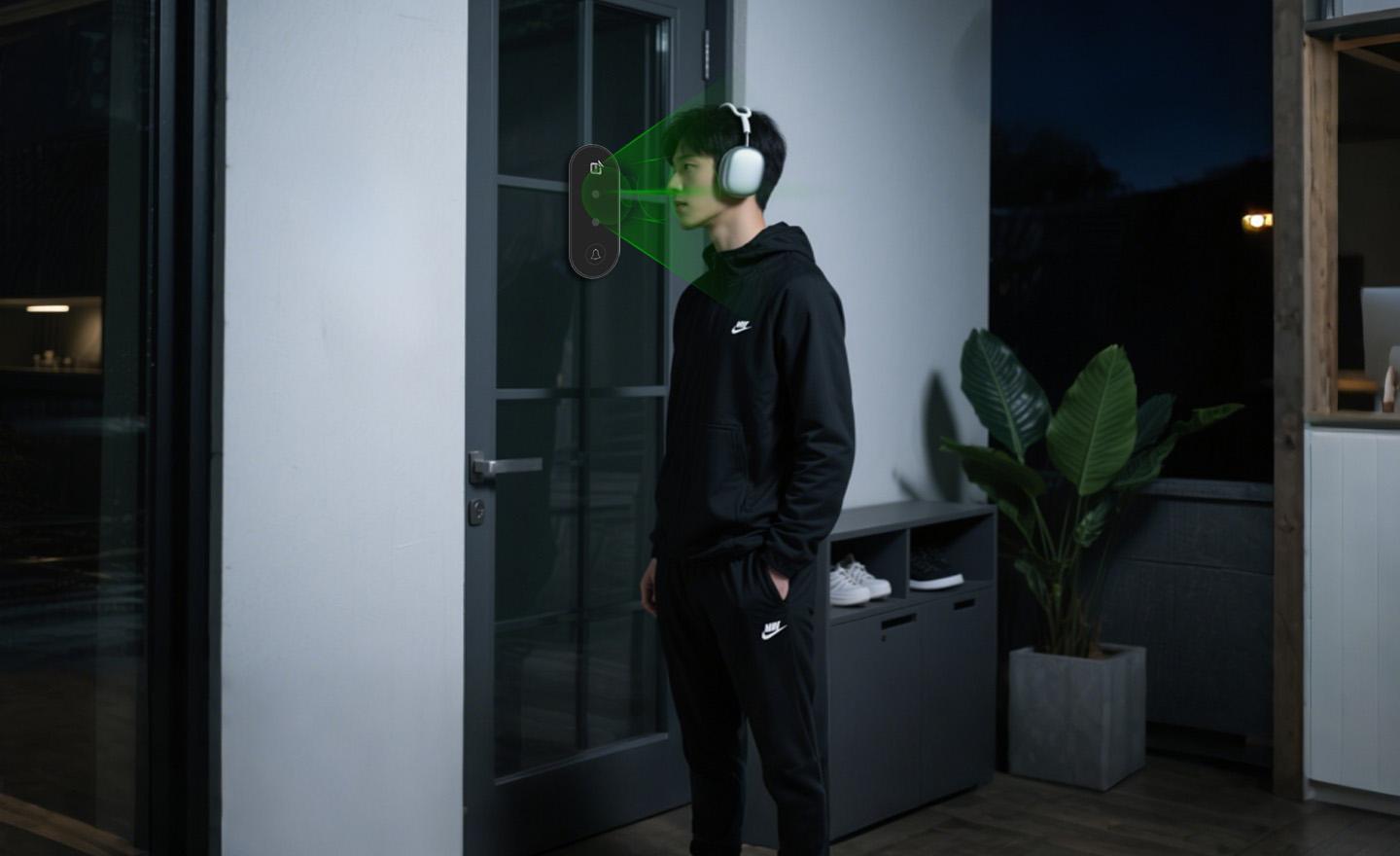
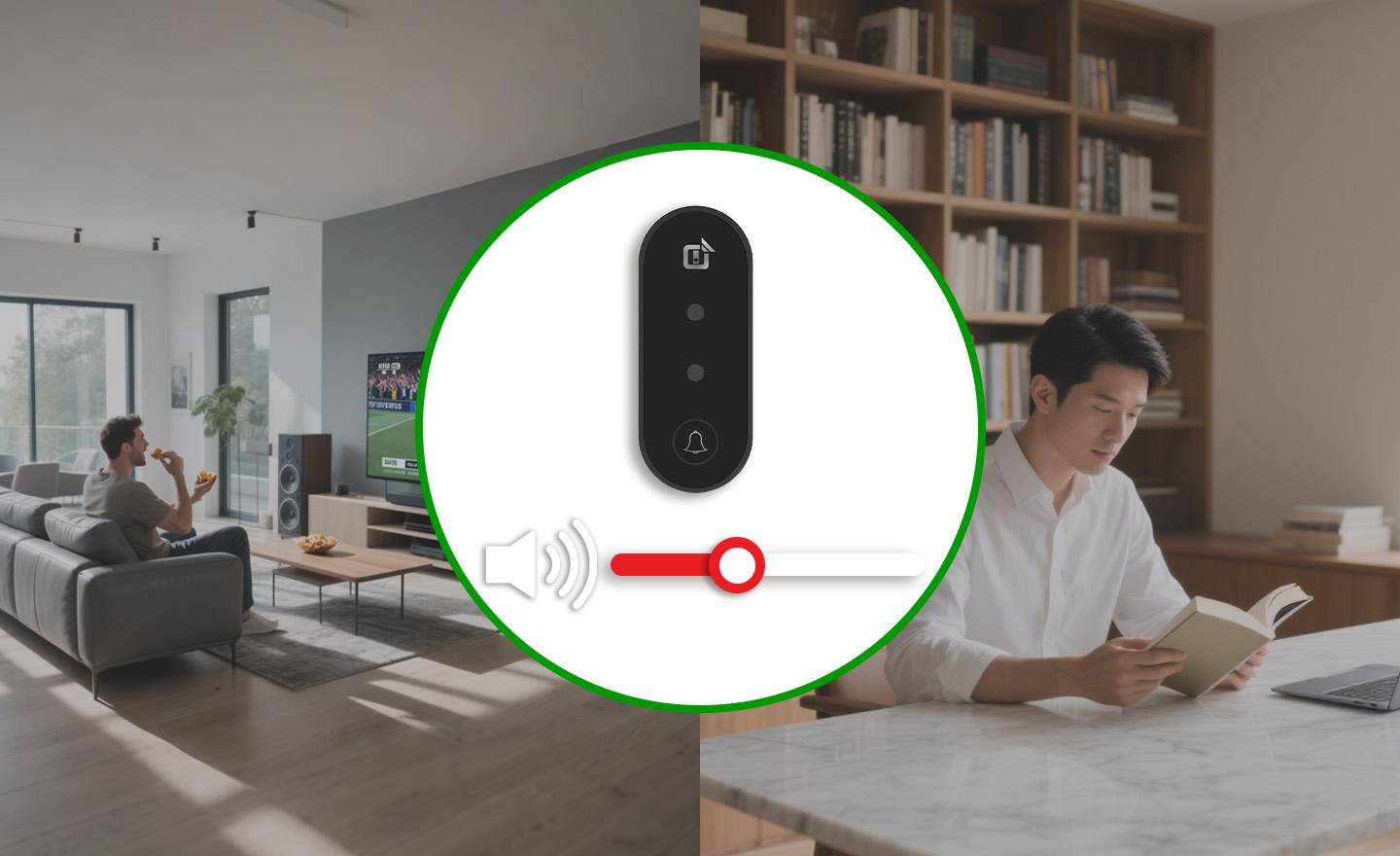
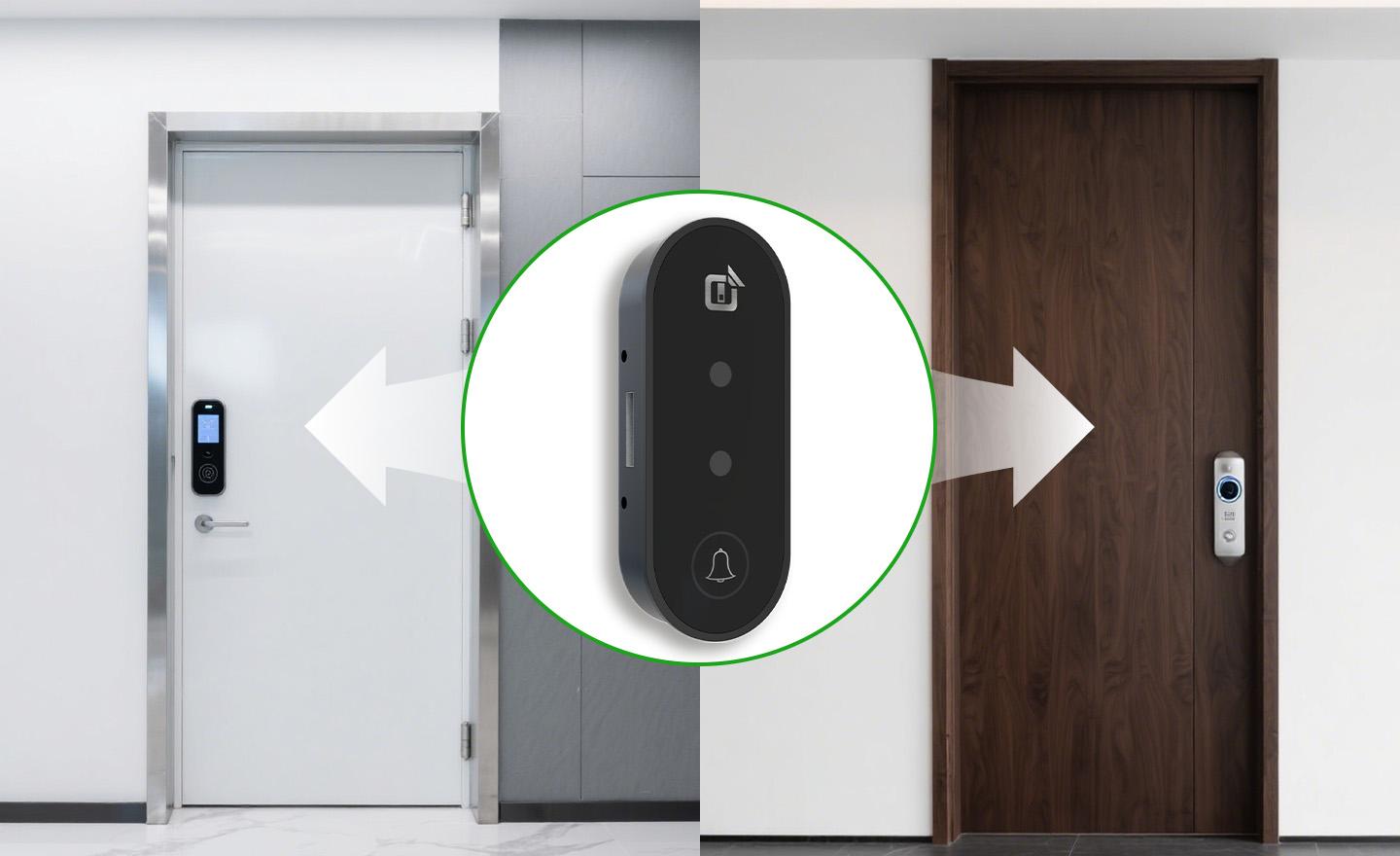
Retrofit Compatibility
Designed for room-by-room upgrades in existing projects with minimal rewiring.
Product Ecosystem
Works with the Yoswit Smart Ready series for unified management.
System Integration
Integrates with apps, PMS, access control, and third-party systems on a project basis.
Communication Spec
Bluetooth 4.2 BLE low-power communication.
| General | ||
| Product Name |
Yoswit Smart Video Doorbell
|
|
| Model |
YO172
|
|
| EAN / UPC |
EAN: 0765756497749 / UPC: 765756497749
|
|
| Revision |
V1.0
|
|
| Compliance |
CE, FCC, RoHS
|
|
| Manufacturer |
Designed by Yoswit in Hong Kong, China / Assembled in Guangdong, China
|
|
| Dimensions | ||
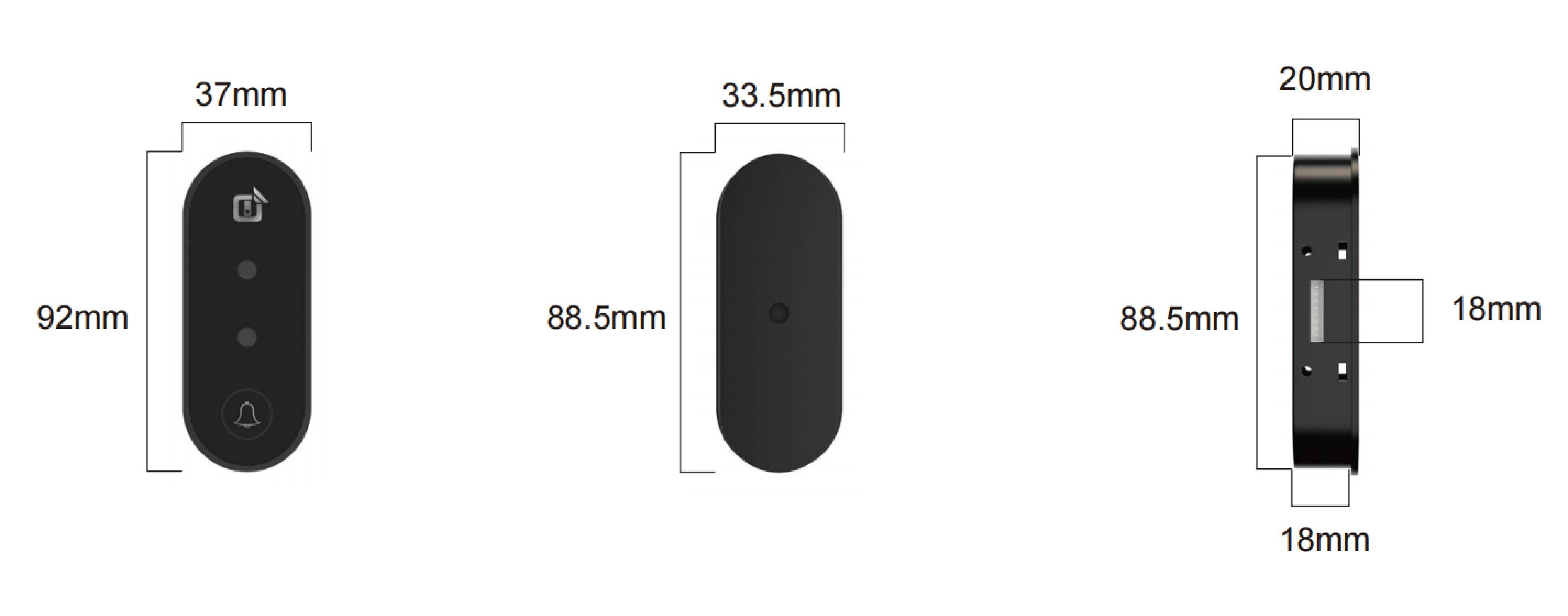
| Product Size |
|
|
| Specifications | ||
| Image Sensor |
1/2.7 inch CMOS
|
|
| Image Pixels |
2M 1080p
|
|
| Pixel Size |
3.0um*3.0um
|
|
| Video Output |
MJPG / YUY2
|
|
| Lens |
4.3mm
|
|
| Field of View |
73° No Distortion
|
|
| Function |
Support Infrared Light
|
|
| Sleep Model Current |
<10mA
|
|
| Working Current |
<300mA
|
|
| Storage Temperature |
-20℃ to 75℃
|
|
| Working Temperature |
-20℃ to 70℃
|
|
| Maximum Frame Rates |
MJPG 1920*1080@30fps / YUY2 1920*1080@30fps
|
|
| SNR Max |
≥40dB
|
|
| White Balance |
Auto, Manually
|
|
| Exposure |
Auto, Manually
|
|
| Camera Control |
Brightness, Saturation, Contrast, Sharpness, Hue, Definition, Gamma, Backlight Contrast, Gain
|
|
| Digital Interface |
5-pin 1.0mm USB2.0 No Driver
|
|
| Transfer Rates |
480Mb/S
|
|
| Operating Voltage |
DC5V
|
|
WARNING!

Disconnect Power
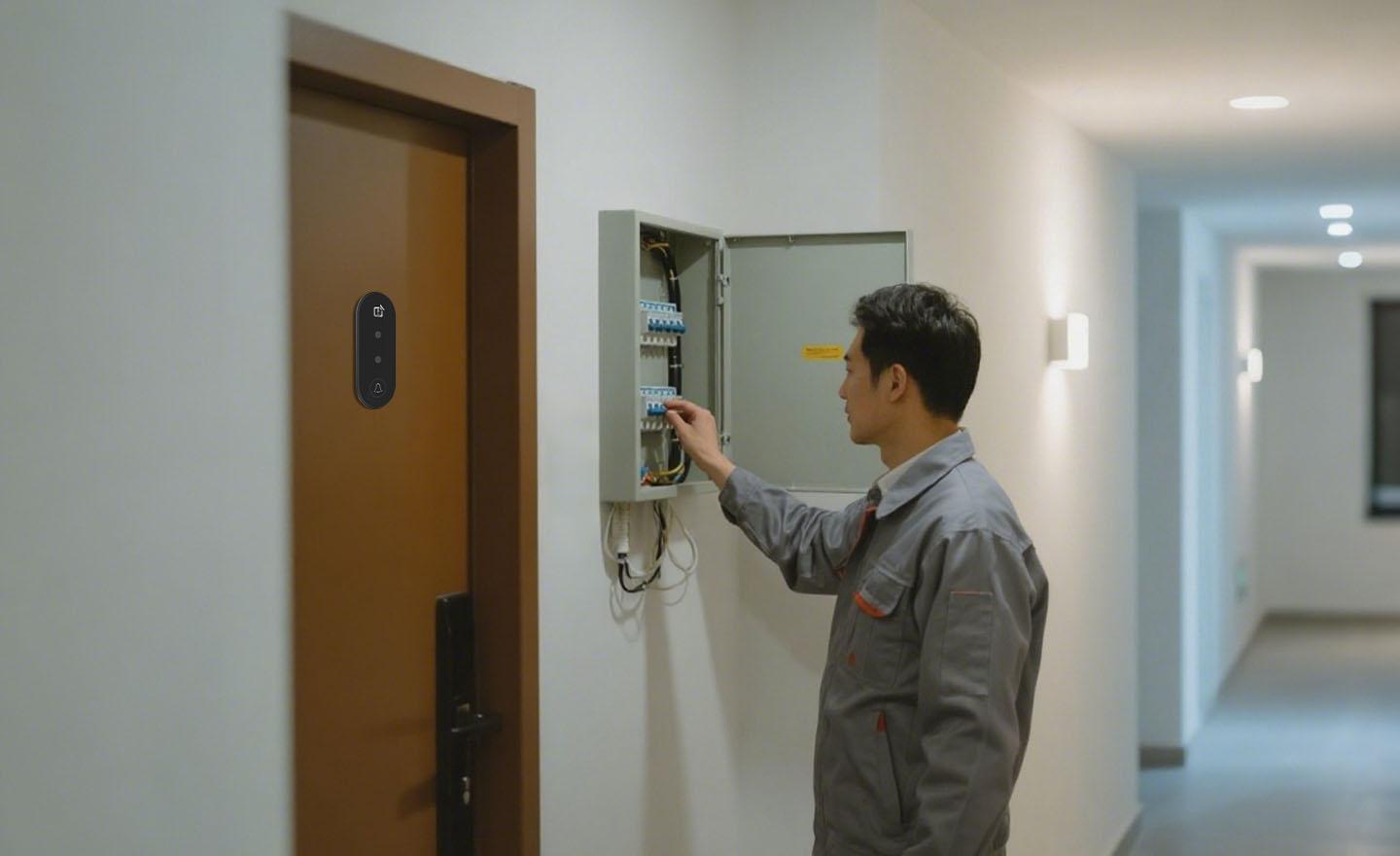
To prevent severe shock or electrocution, always disconnect the power at the service panel before installation. Only licensed electricians should carry out the installation.
Basic Installation
1
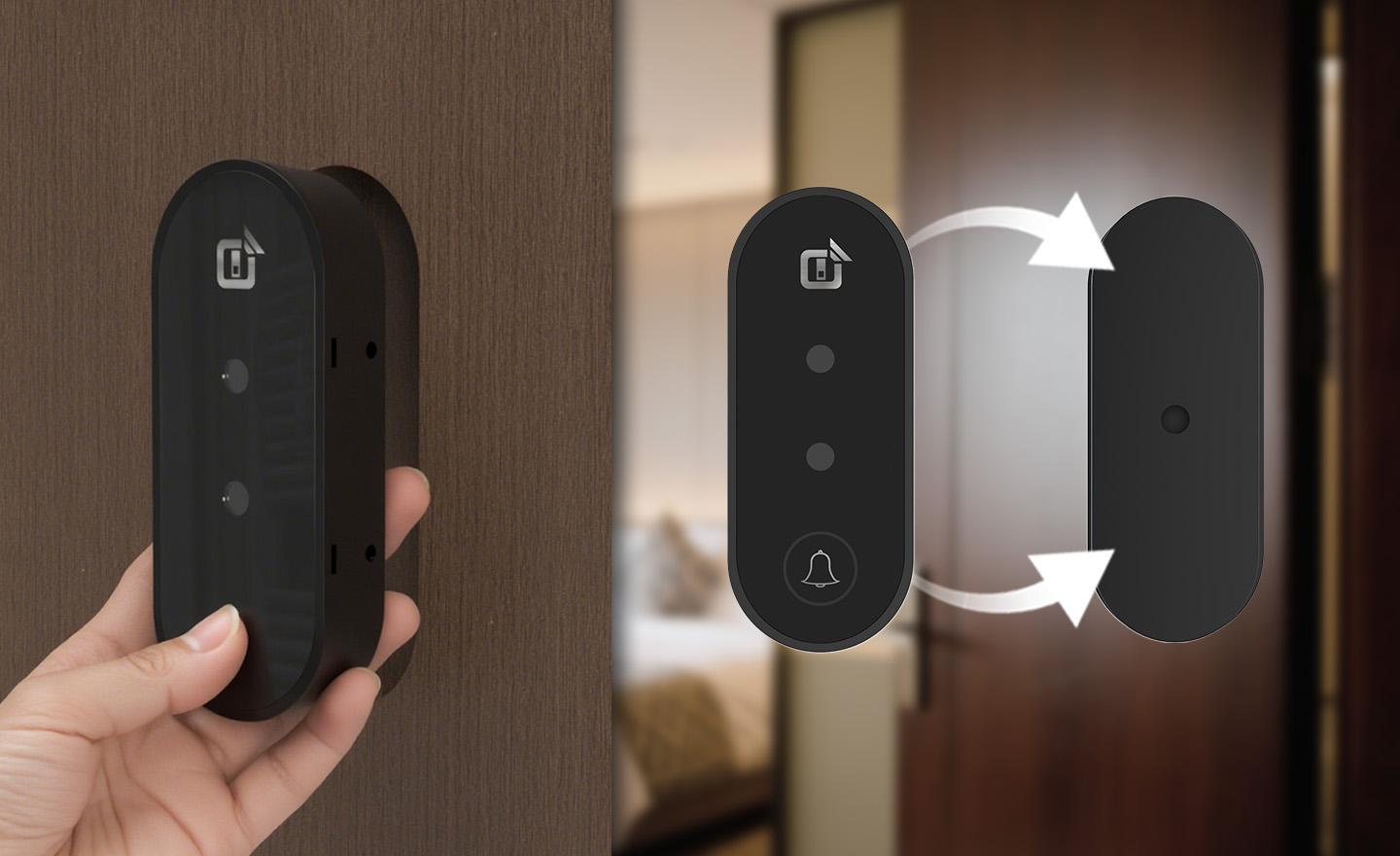
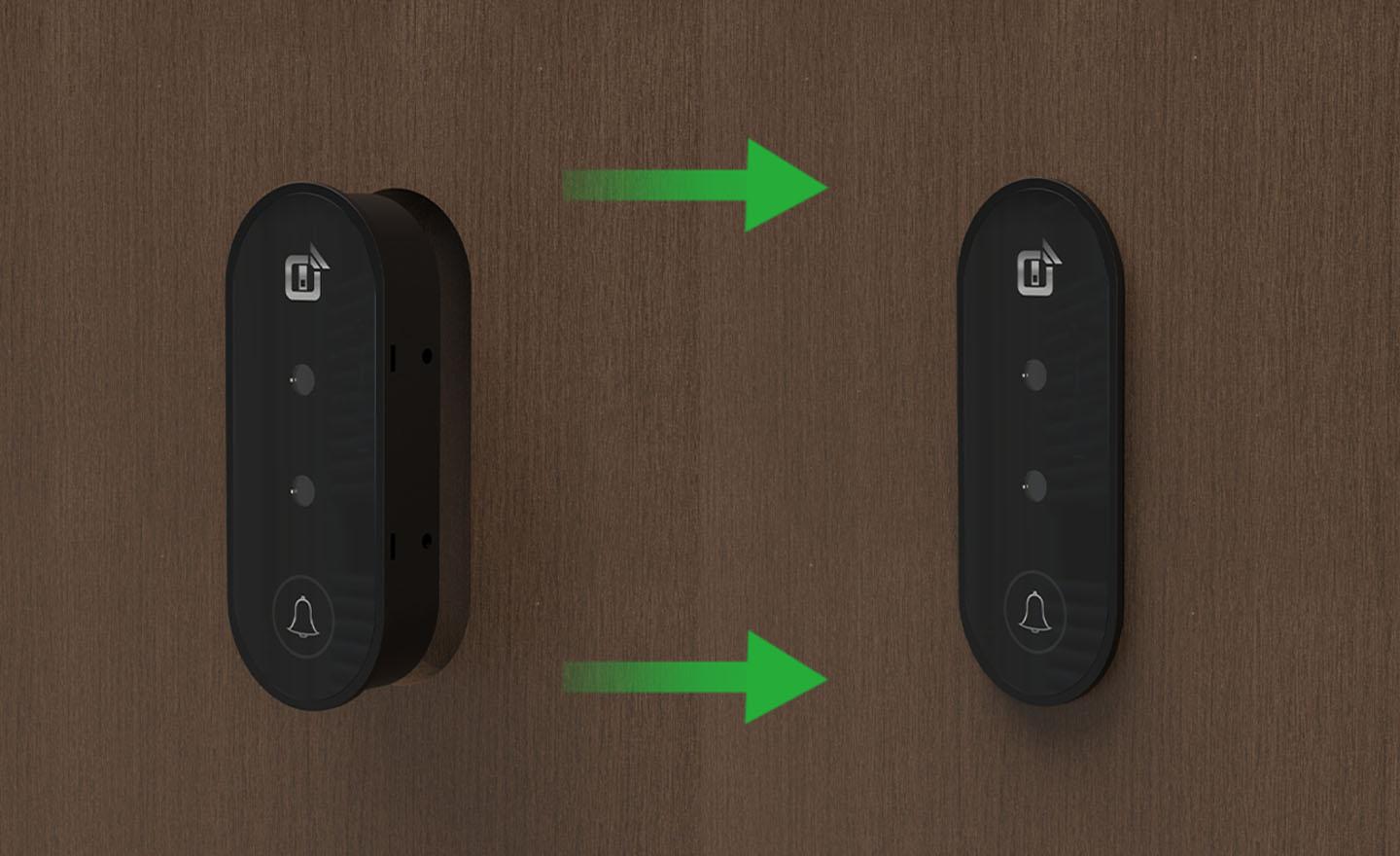
Grasp the bottom of the faceplate and pull to remove.
2
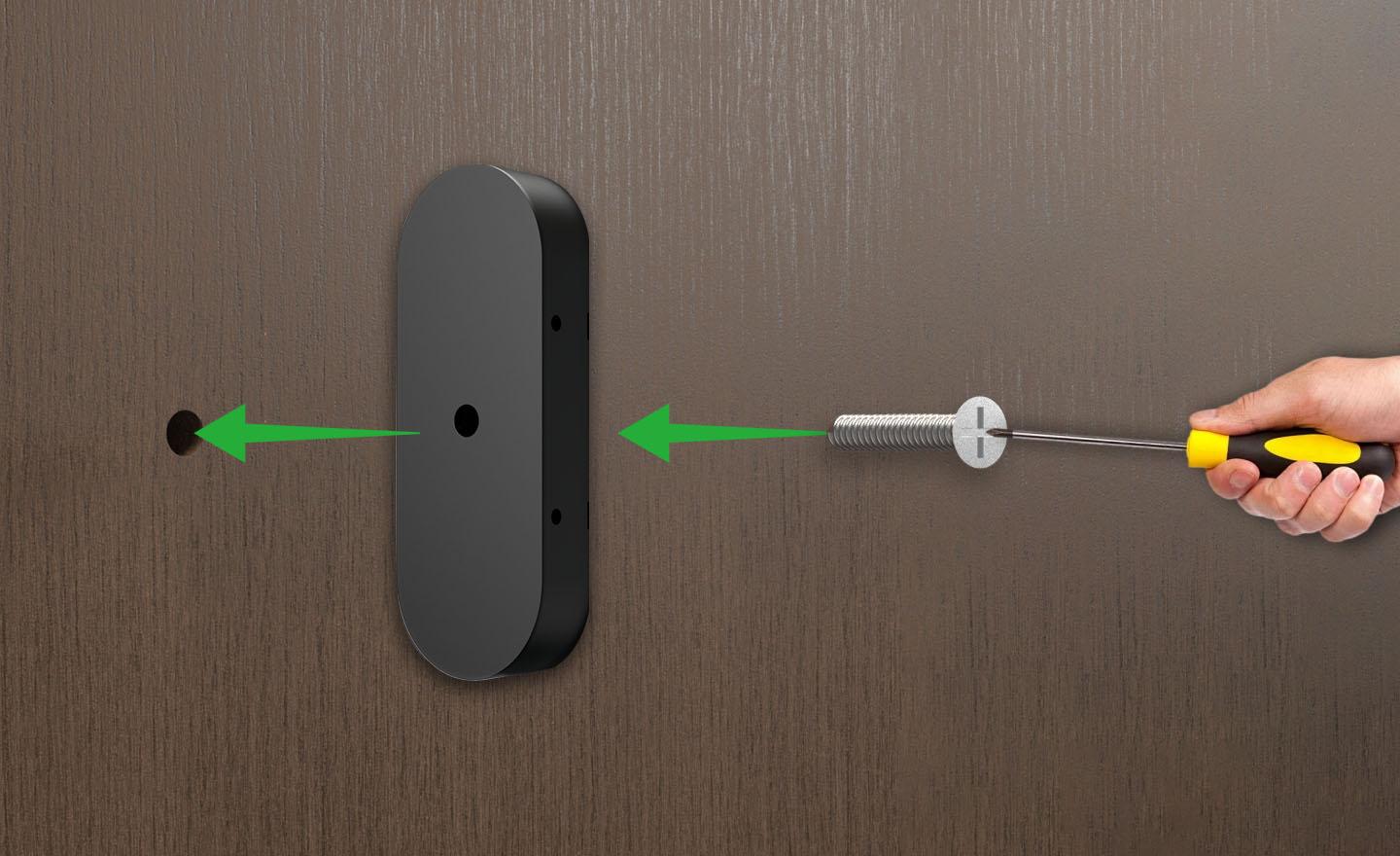
Align the screws with the center screw hole of the doorbell case and securely fix the case to the existing live electrical point.
3
Connect the wires to the doorbell case, making sure the connections are secure.
Warning
To reduce the risk of electrical shock, the unit shall be properly grounded in accordance with local regulations or codes. Failure to connect the ground wire will result in an unsafe installation that could lead to personal injury.
4
Place the cover back on your chime unit.
5
Switch on the circuit breaker to connect to power.
6
Tap the button 2 to 3 times to ensure it lights up and sounds.
| Download | ||
| Data Sheet | ||